November 2024
Embracing Rapid Design with Figma and AI
How AI tools are changing the design workflow. What works, what doesn't.
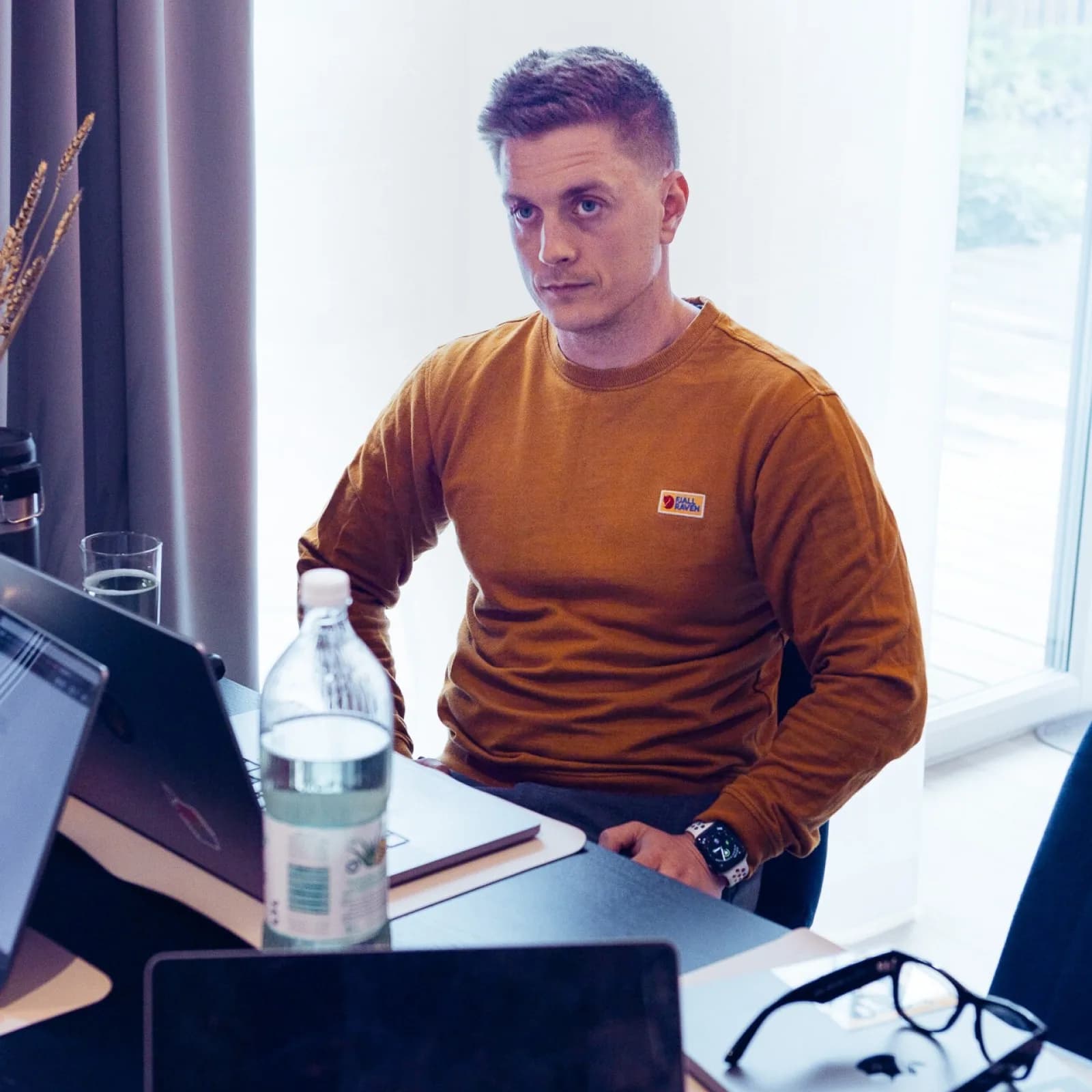
You can ship a working, tested prototype tonight that would have taken your team a full sprint two years ago. The bottleneck isn't the tools anymore. It's knowing which six of the thirty-plus AI design tools released this year actually compress your workflow — and which ones add steps disguised as magic.
I gave a keynote on this at Yousician Design Jam recently, walking through the exact stack I use and where each tool earns its keep. This is the longer version of that talk: the philosophy first, then the stack, then the parts where AI breaks and what to do about it.
My design philosophy
The approach hasn't changed in 15 years: understand the problem, co-design with the people who'll use it, prototype the smallest believable version, test with real users, decide. What's changed is the cost of each loop. A round that used to take two weeks now takes two days. The thinking is the same. The throughput is different.
That distinction matters. AI didn't change what good design is. It changed how many cycles you can afford in a sprint — which means you can afford to be wrong more often, faster, on the way to being right.
The evolution of design tools
Reflecting on my journey, I remember a time when design tools were quite limited. I started with Photoshop 5.0 and Netscape Composer, and back then, we didn't even have Google! Fast forward to today, and I'm amazed at how tools like Figma have revolutionized the design process. Figma allows me to collaborate in real-time, prototype quickly, and integrate various plugins that enhance my workflow.
My essential tool stack
Here are some of the tools I rely on daily:
- Figma: My go-to for design and prototyping.
- Notion: For organizing documents and information.
- Linear: For efficient ticket tracking.
- Slack: For seamless communication.
- ScreenFlow: For recording user research sessions.
- Framer, VS Code, Webflow: For web development.
- Jitter: For motion design.
- After Effects: For advanced motion graphics.
- HubSpot: To manage customer relationships.
Additionally, I leverage various Figma plugins that enhance productivity:
- html.to.design: Bring any webpage directly into Figma, capturing all elements in an editable format.
- data.to.design: Import real data into Figma from CSV, JSON, or Notion databases.
- Jitter: Motion design with great animation presets, without needing After Effects.
- Tailwind CSS Color Generator: Generate color palettes and create styles or variables within Figma.
- Stark: Check color contrasts and ensure accessibility in designs.
- EightShapes Specs: Generate extensive documentation on design components with just a few clicks.
- Pitch Deck Presentation Studio: Export designs for presentations as editable PPTX files.
- TinyImage Compressor: Compress assets to optimize file sizes for better performance.
The impact of AI on design
One of the most exciting aspects of my presentation was discussing the role of AI in design. Initially, I was skeptical about Figma's AI features, but I've come to appreciate their value. AI tools help streamline tasks like generating design drafts, renaming layers, and even creating presentations from outlines.
Practical AI applications
Here are some AI services that have significantly improved my workflow:
- Fireflies.ai: An AI transcription service that summarizes meetings and highlights action items.
- MacWhisper: For local transcription of sensitive data, particularly useful during user interviews.
- ChatGPT and Claude: For brainstorming, writing assistance, and data analysis.
- v0: For generating complex components and exporting them to Figma with html.to.design.
- Galileo: Use text or image prompts to generate UI designs that you can export into Figma.
- Relume: For quickly creating sitemaps and wireframes.
These tools allow me to focus on creativity and strategic thinking rather than getting bogged down by repetitive and mundane tasks.
The future of design with AI
I firmly believe that AI will not replace designers; instead, it will empower us to work more efficiently. A recent report from the Nielsen Norman Group indicated that AI tools can increase performance by 66%. As the design landscape continues to evolve, I encourage my fellow designers to embrace new tools and remain adaptable.
I highly recommend all designers take a deep dive into Figma's Community assets and especially the official Figma playground files that can give you in-depth understanding of Figma, from Auto Layout and Variables to its new AI features.
Vandall: A case study in applying AI for work
At Vandall, the startup I co-founded, we're leveraging AI to help develop our platform for music collaboration. Despite being a $130 billion industry, the music sector lacks effective solutions for professionals to collaborate and prepare projects for release. By using AI for market analysis, user research, and design feedback, we aim to create a comprehensive platform that addresses these challenges.
Conclusion
As I reflect on my journey and the insights shared during my keynote, I'm excited about the transformative power of design tools and AI in the creative process. When I started, tools severely limited the impact and productivity a single person could have. By embracing these technologies, we can enhance our workflows, foster collaboration, and ultimately create better products.
If this article hit a nerve, start here
These are the commercial versions of the same problem. Less theory. More what to do when the problem is already costing time or money.
Design & Validate
3-Day AI Design Sprint
Validate a product direction in days, not months. Working prototype, real user feedback, signed 90-day roadmap. Three live days plus delivery.
Design & Validate
Design Sprint for B2B Teams
For teams dealing with long sales cycles, messy workflows, and too many stakeholders to rely on guesswork.
Working on something similar?
Most engagements start with a 20-minute call.
You leave with a clearer read on the problem — even if we don't end up working together. No deck, no pitch.