


The worst AI projects all sound similar.
They begin with enthusiasm about the technology and end with a confused team, a brittle prototype, and no clear answer to whether the workflow is actually better.
The missing piece is usually design.
Not visual polish. Workflow design.
AI becomes useful when it is applied to a specific job, inside a specific context, with the right amount of human control, visibility, and trust.
That is what AI workflow design consulting is for.
Start with the work, not the model
Most organizations ask the wrong first question:
“Where can we use AI?”
A better question is:
“Where are people losing time or judgment to a workflow that should be easier?”
That shift is everything.
Because once the job is clear, the AI opportunity often becomes obvious:
- summarizing research
- retrieving the right document
- identifying patterns in data
- generating a first draft
- classifying incoming requests
- turning raw inputs into a dashboard or recommendation
Without that workflow frame, AI stays at the level of novelty.
What design contributes to AI work
AI tools fail when nobody designs:
- what the user is trying to do
- what confidence they need
- how output is grounded
- when the human should intervene
- what should be automated vs reviewed
- how the system communicates uncertainty
These are design questions before they are model questions.
That is why many technically promising AI ideas stall in practice. The system can generate something, but the workflow around it is weak. People do not trust it, cannot interpret it, or do not know when to act on it.
What practical AI consulting looks like
It usually sits in one of three areas.
1. Internal workflow acceleration
This is where AI often delivers value fastest.
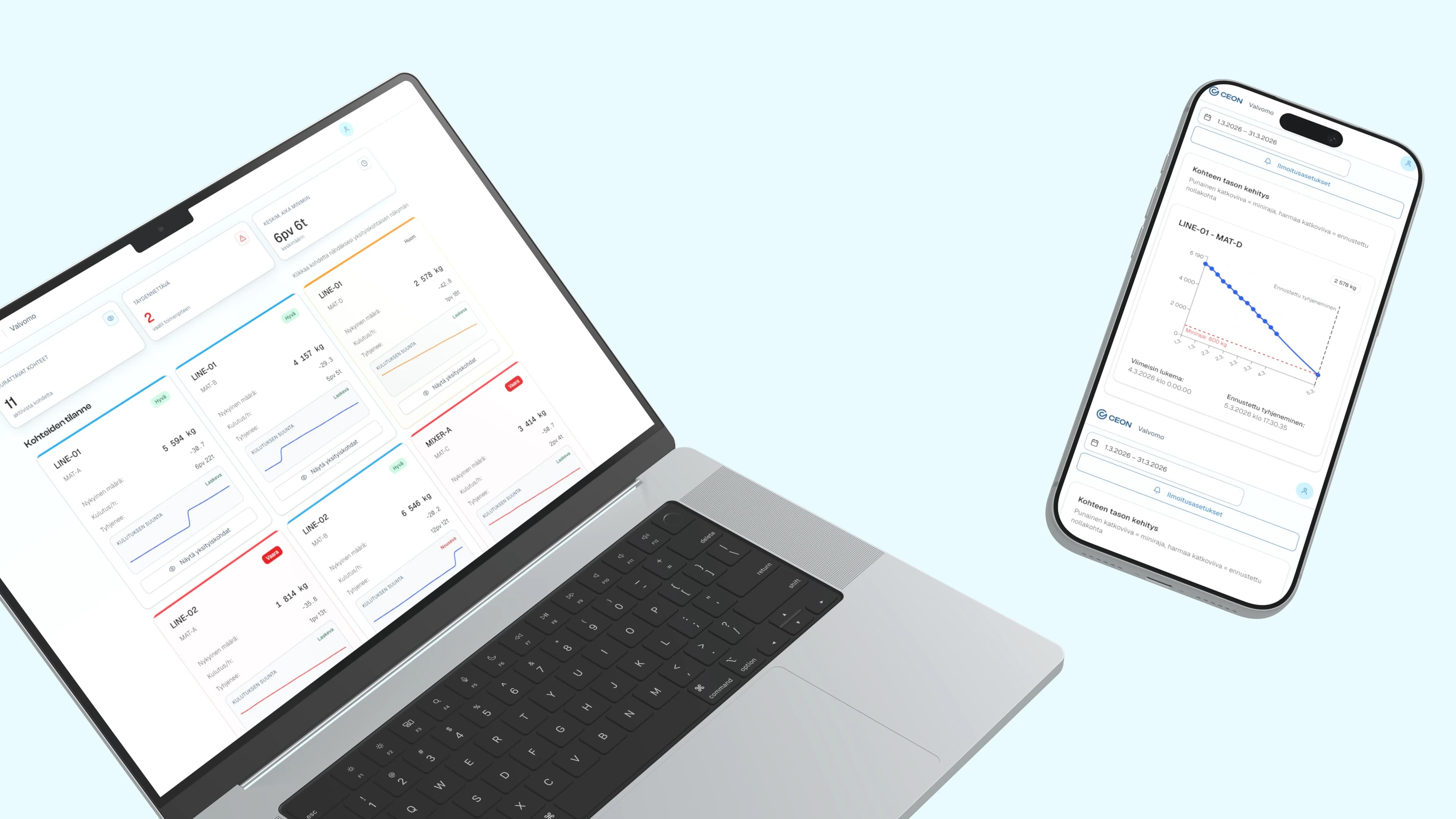
The silo-monitoring dashboard is a good example of AI-adjacent workflow thinking. The first win was not flashy generative output. It was removing repetitive manual extraction and turning structured data into a usable decision surface. That kind of workflow clarity is what makes later AI layers useful rather than ornamental.
2. Search, retrieval, and knowledge access
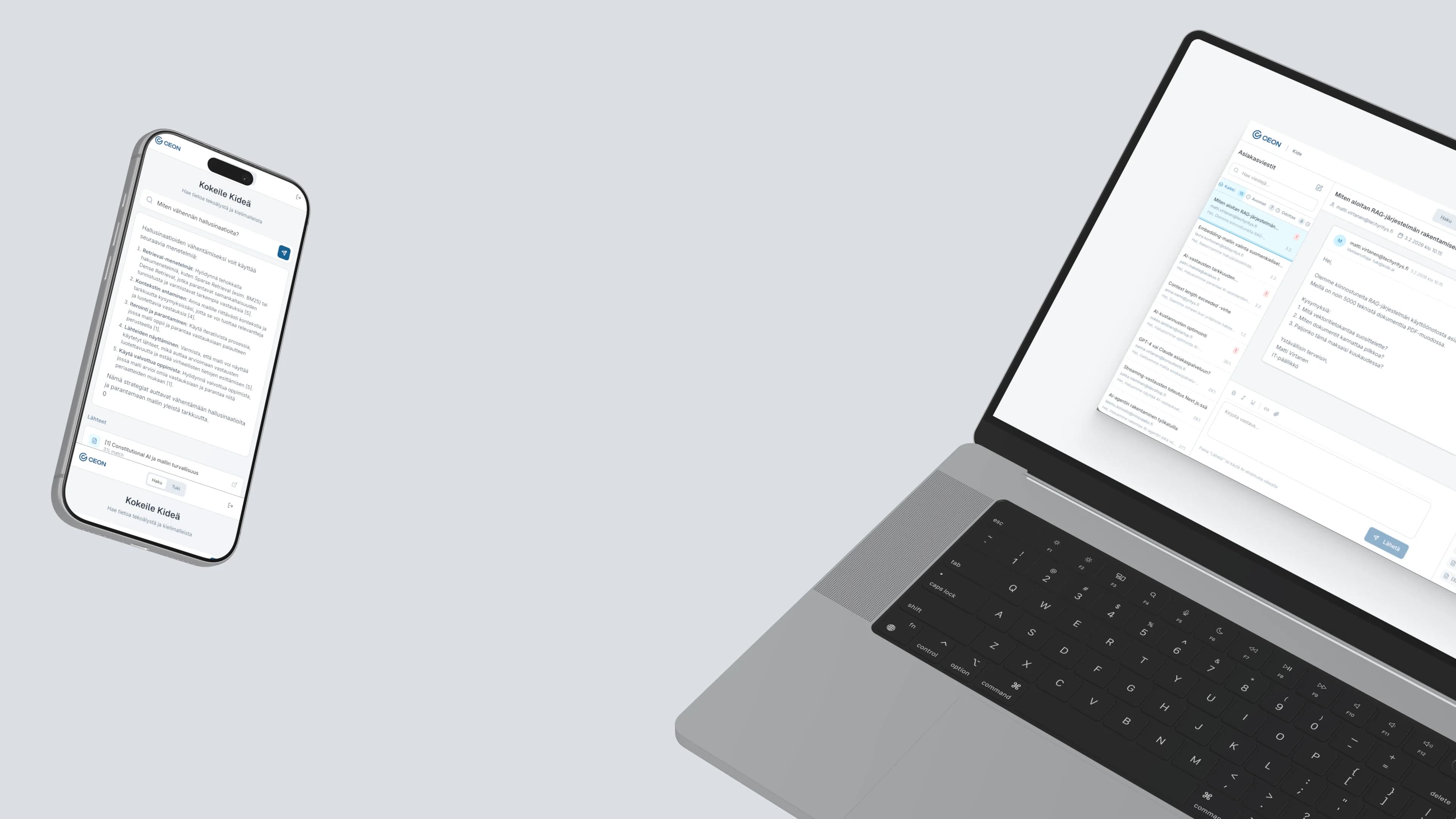
The industrial-documentation search case is stronger still. The business did not need “AI.” It needed engineers and support people to find the right information in seconds instead of days or long manual searches. AI mattered because it improved retrieval and confidence inside a real work context.
3. Product features and service experiences
Here the challenge is not only accuracy. It is trust and usability. How do you expose the AI? How do you explain where it is getting answers from? How do you keep the human oriented when the system is probabilistic?
These are design problems.
Why prototyping matters so much
AI teams often jump from concept to implementation too fast because the technology feels exciting.
That is risky.
The better path is to prototype the workflow:
- what the input looks like
- how the output is framed
- what confidence and provenance are shown
- what the user does next
Once people can react to the actual workflow, the conversation improves immediately. You stop debating AI in general and start testing whether this specific thing helps this specific person do the job.
That is also where design and validation methods become useful. The same sprint logic applies: frame the decision, build enough to test it, put it in front of real people, and refine from evidence.
Why outside guidance helps
Because internal AI efforts often polarize fast.
One group wants to move quickly and showcase capability.
Another group worries about accuracy, trust, regulation, or technical risk.
Both are usually right in different ways. The missing piece is a workflow framing that lets the organization test the opportunity honestly.
An external consultant can help by:
- narrowing the use case
- prototyping the real experience
- connecting design, product, and operational needs
- ensuring the AI supports a real decision or job
The goal is not to “become an AI company.” The goal is to remove friction where AI actually helps.
What success looks like
Good AI workflow design does not feel magical for long.
It feels practical.
People stop talking about the model and start saying:
- “This saves me time.”
- “I can trust what I’m seeing.”
- “I know what to do next.”
- “This removed a step I hated.”
That is the standard.
If AI is going to live inside your product or your operations, it should earn its place by improving the workflow in a visible way.
That is where design becomes essential. Not as decoration on top of AI, but as the thing that turns capability into actual usefulness.